
DomeScribe
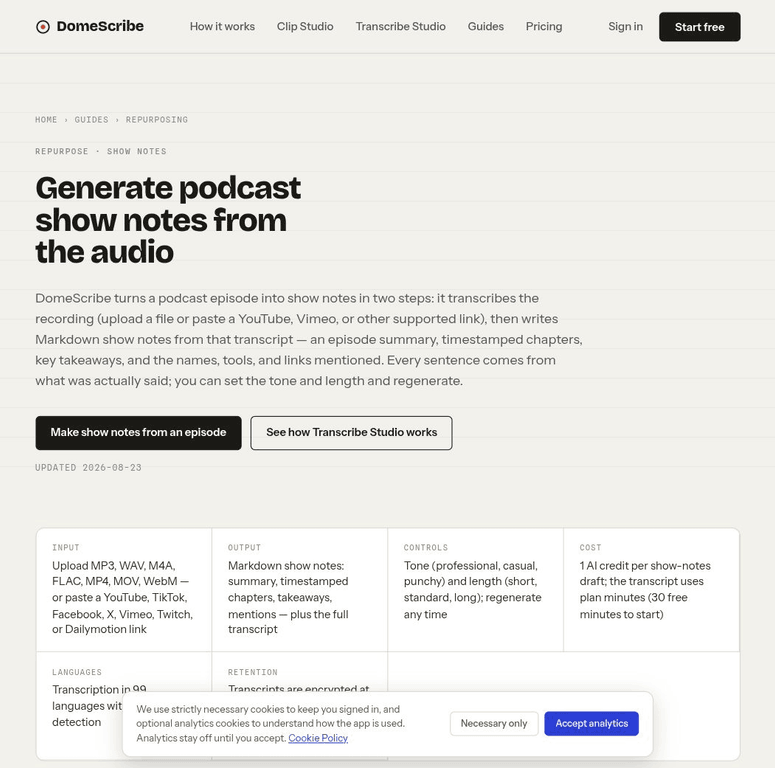
Generate podcast show notes from a recording, transcript or supported media URL.
- Podcaster
- Video creator
- Content creator
- podcasts
- Video
- interviews
- Podcast production · editorial fit
- Audio & podcasting · editorial fit
- Web · editorial fit
Overview
DomeScribe accepts uploaded audio or video and supported media links, then produces transcripts, summaries, chapters, show notes, social posts, newsletters, Q&A material, and suggested clip moments. A browser Clip Studio can turn selected moments into short visual clips.
The initial account allowance is a one-time 30 minutes and five AI credits, followed by paid Pro or Business use. Transcripts can be edited, but DomeScribe is not a multitrack editor and the FAQ says stored transcripts are automatically deleted after 30 days.
Supported use cases
Build a release package
Turn an episode into a transcript, show notes, chapters, and promotional copy.
Find clip candidates
Identify notable moments and move them into the clip workflow.
Answer questions from an episode
Use generated Q&A material to review or repurpose the recording.
Limitations
Editing and retention are bounded
It does not provide multitrack production, and stored transcripts are deleted after 30 days according to the FAQ.
Key capabilities
Media transcription
Transcribes uploaded files and supported media URLs.
Repurposed writing
Creates show notes, chapters, posts, newsletters, and other episode-derived copy.
Clip Studio
Uses selected moments to make short visual clips in the browser.