
Vivideo
Animate a still image into a short clip using selected image-to-video models.
- Video creation & editing · editorial fit
- Web · editorial fit
Overview
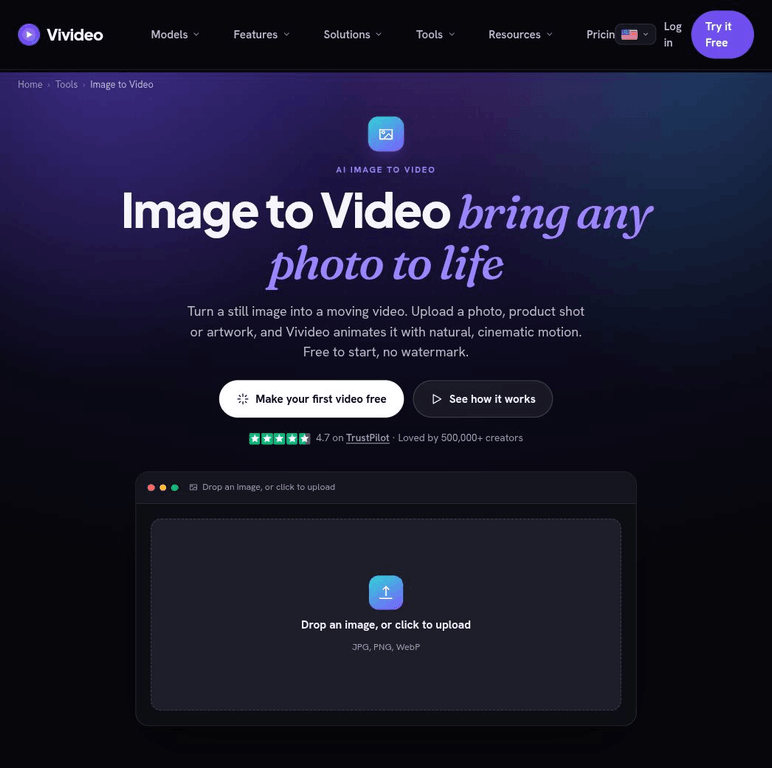
Vivideo turns a still image into a short video by pairing the source image with a motion prompt and a selectable image-to-video model. The workflow is aimed at giving product art, character images, and other static creative a moving treatment without a full timeline edit.
Creators can preview the browser tool and choose among the models presented for the job. Results remain generated clips rather than a full editing project, so final pacing, continuity, and brand details may need work in another editor.
Supported use cases
Animate product art
Add motion to a product or campaign still for a social post.
Test motion directions
Compare prompt and model choices before committing to a longer edit.
Create visual inserts
Generate a short moving shot to place inside a larger video.
Key capabilities
Image animation
Builds a video clip from an uploaded still image.
Motion prompting
Uses a written prompt to guide movement and camera behavior.
Model choice
Lets the creator select among the image-to-video models exposed in the tool.