Canva Magic Studio
AI tools within a visual design and publishing platform
- Image & design · editorial fit
Overview
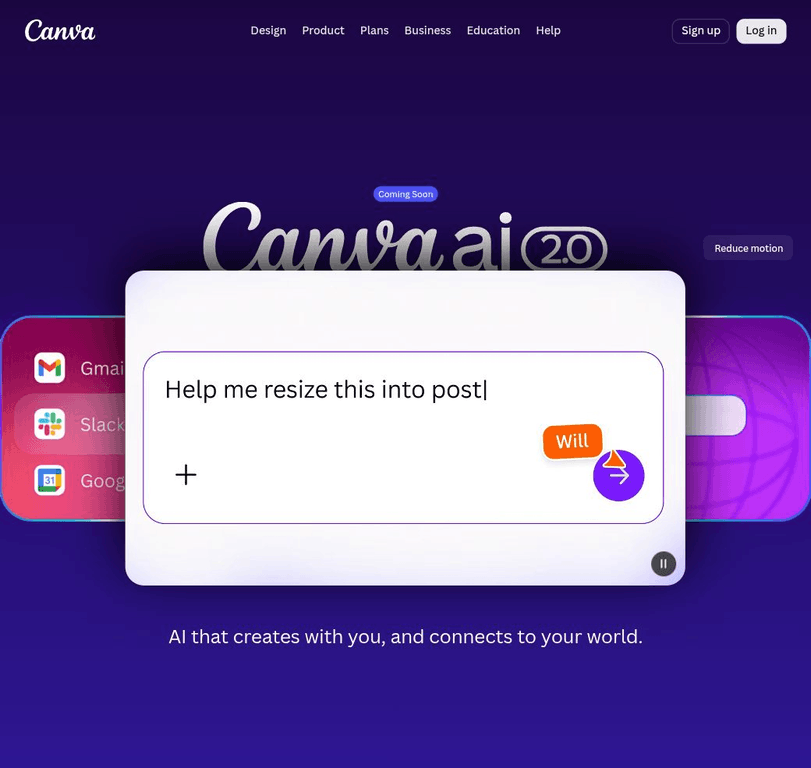
Canva AI, previously surfaced in the catalog as Magic Studio, is a conversational creative layer inside Canva. A user can describe a design with text or voice, bring context from connected tools, generate elements, and then refine the result through chat or direct editing while Canva keeps the work on brand.
The workflow spans writing, design, image and video work, brand controls, and task scheduling. It is designed for marketers, small businesses, teams, educators, and other Canva users who want generated content to remain editable inside a broader visual communication suite.
Supported use cases
On-brand marketing content
Create and adapt campaign assets using brand rules and connected context.
Social and presentation production
Generate editable layouts, headlines, images, and supporting media within Canva workflows.
Team content operations
Use scheduled tasks and shared Canva workspaces for recurring creative production.
Key capabilities
Conversation-to-design
Turns a text or voice idea into a design and lets the creator refine the result conversationally or manually.
Connected context and brand controls
Uses connected-tool context and a brand’s fonts, colors, and rules to guide generated designs.
Multimodal creative tools
Includes AI features for image generation, writing, resizing, animation, translation, insights, formulas, and code-oriented creation.
Scheduled creative tasks
Can schedule AI tasks for a later time or recurring run.
Related tools
Generative image and visual creation service